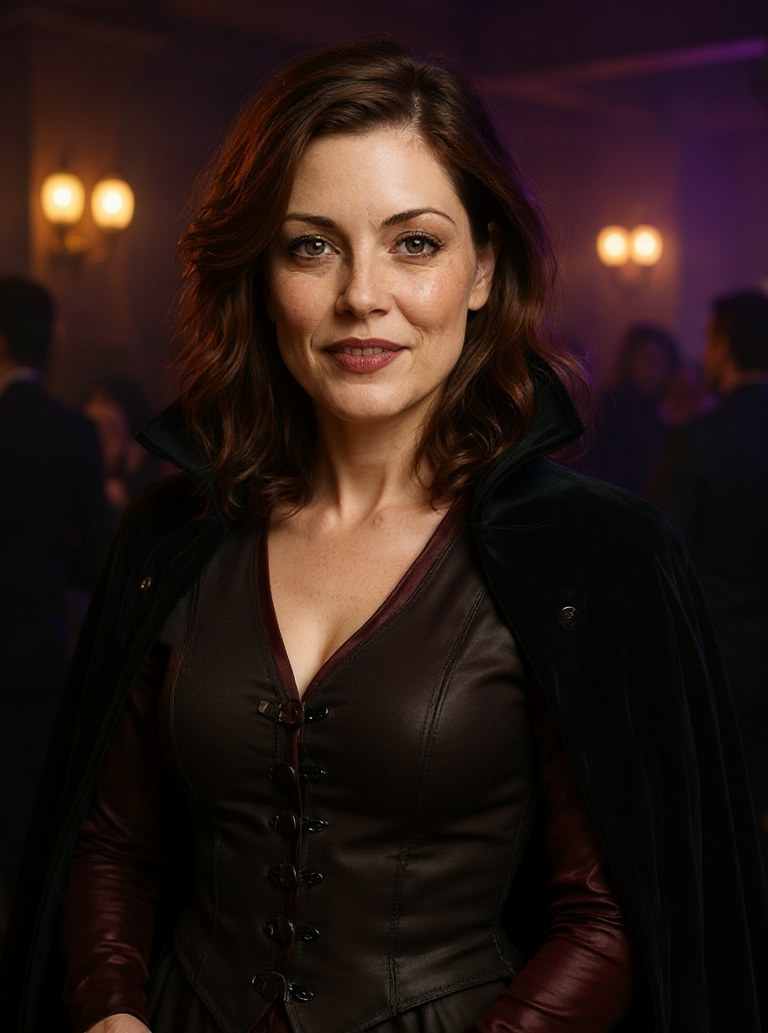
Vampire
Velvet cape · gothic glamour
 ClipmivoAI
HALLOWEEN, WITH A LITTLE MAIN-CHARACTER ENERGY
Your portrait. Five alter egos. Find the look that feels like you.
From $0.11 per costume image 5 credits · $19.90 makes 180 images · $29.90 makes 270 images · one-time packs, no subscription · usually ready in under a minute
YOUR NEXT ALTER EGOBy uploading, you confirm you have the right to use this photo. Do not upload another person’s photo for face swapping. Adults only; no public figures. Acceptable Use Policy
Don’t upload photos of minors.
About 5 credits ($0.11) per image · exact quote before you spend
Best: bright, front-facing, waist-up portrait. Avoid: sunglasses, blur, group photos.
Add a portrait to start.
Usually ready in under a minute · Private Assets · Failed tasks release reserved credits automatically.
SAME PORTRAIT. A NEW CHARACTER.
Slide between the original and your selected costume. These five images were made here from one original synthetic adult portrait.
Vampire selected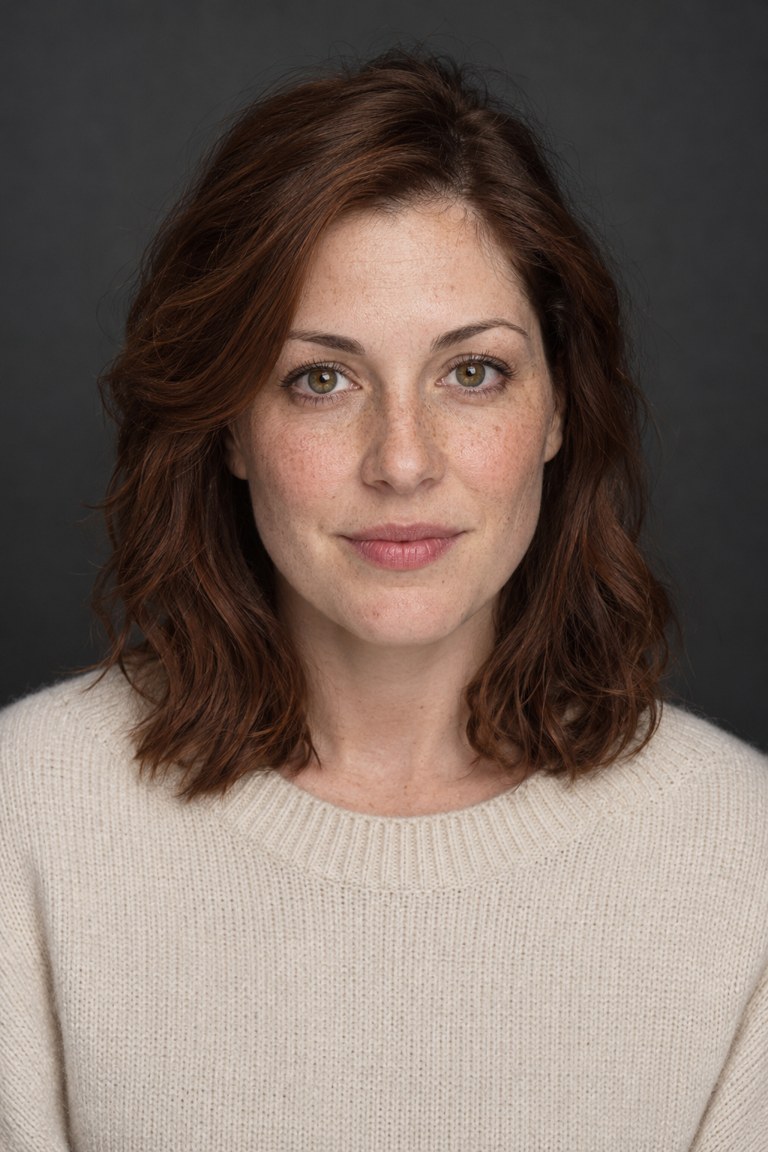 ↔BeforeAfter
FIND YOUR HALLOWEEN ENERGY
Original examples from this workflow. Pick a look to try it with your own portrait.
Velvet cape · gothic glamour
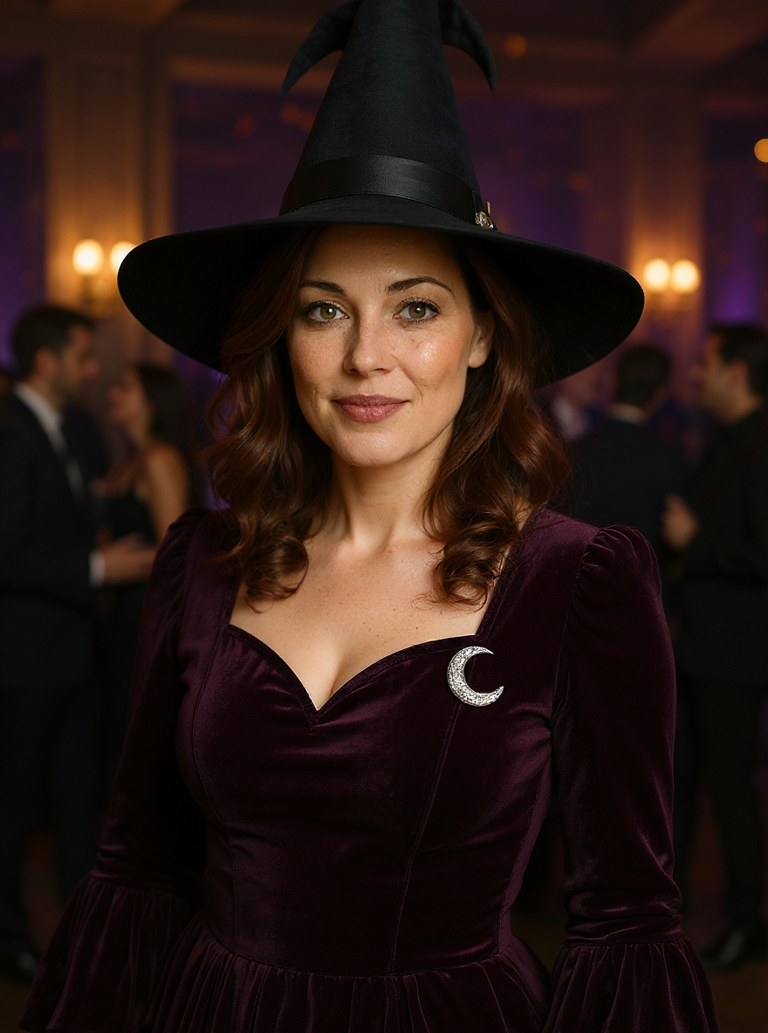
Pointed hat · midnight velvet
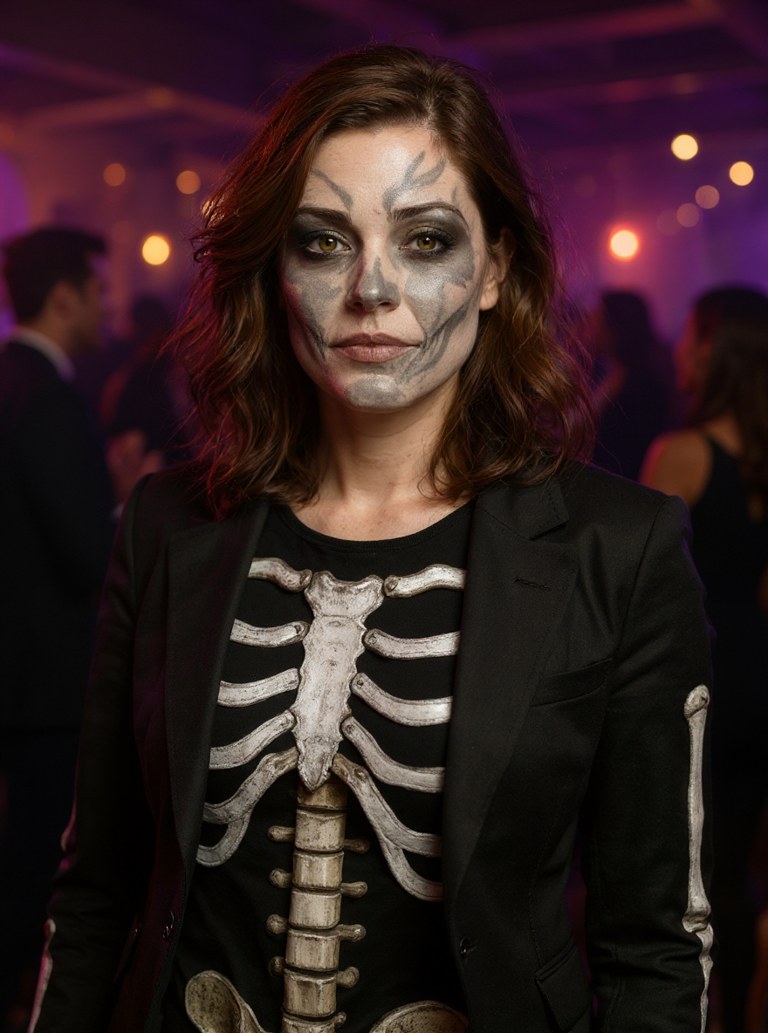
Bone-print suit · playful makeup
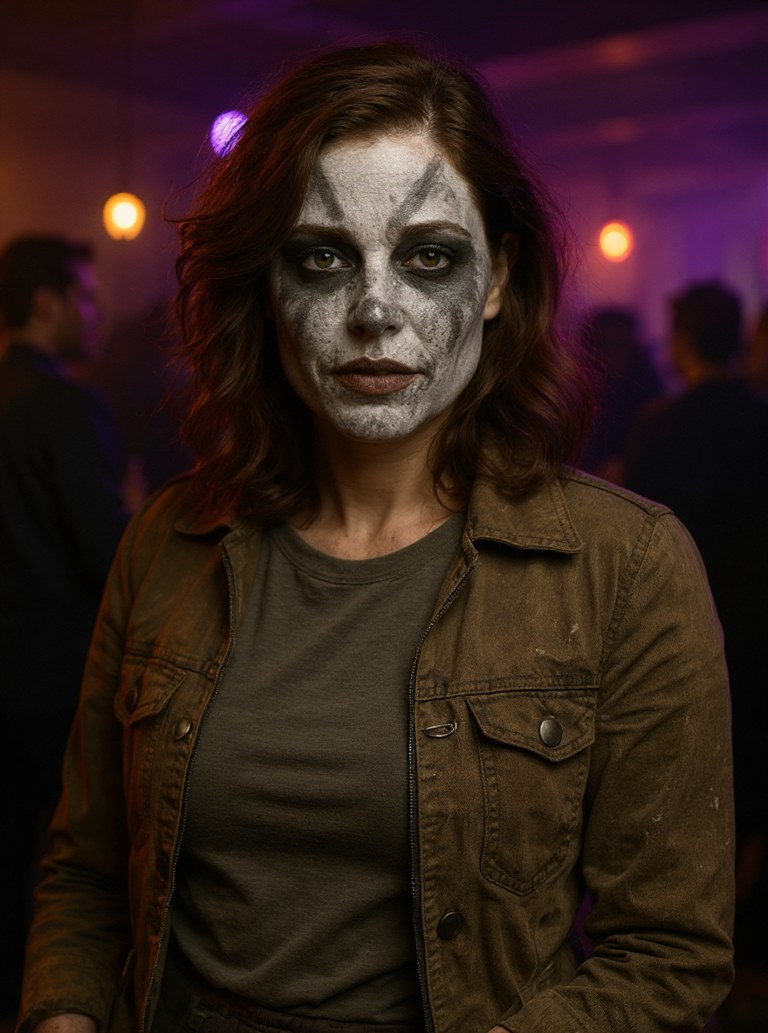
Weathered layers · spooky, no gore
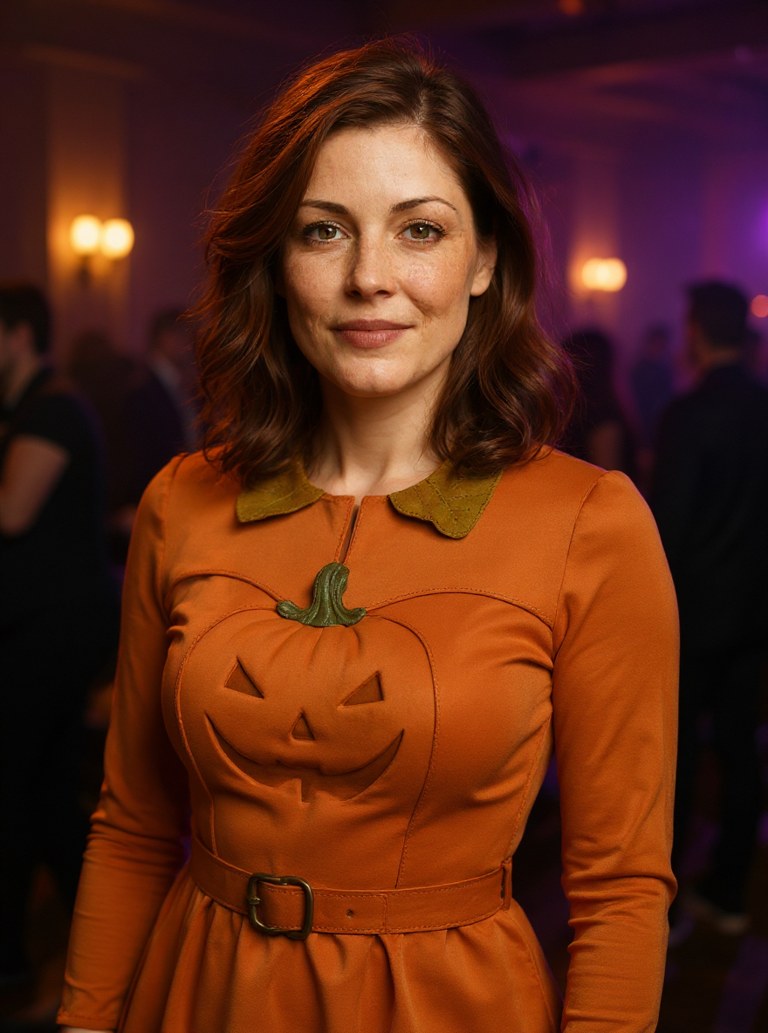
Orange couture · autumn magic
Your uploads and results stay in private Assets.
A failed image automatically returns its credits to your balance.
Download your generated image. No app needed.
FROM SELFIE TO ALTER EGO
One adult, a clear face and good light. A waist-up photo shows more of the outfit.
Pick a thumbnail or use Make this one. Confirm permissions and review the exact credit quote.
Generate your image, download it, then try another look with a separate quote.
Upload a clear portrait of one consenting adult, choose one of the five costumes, and confirm the photo permissions. Sign in, upload your photo and review the current credit quote. Generate, then download the image when it is ready.
The effect aims to preserve your face and likeness while changing clothing, makeup and the scene. AI can change facial details; identical likeness is not guaranteed. A clear, front-facing photo gives the effect a better reference.
Choose Vampire, Witch, Skeleton, Zombie or Pumpkin. The thumbnails show real results created with these presets. Surprise me selects one of these five; it does not add new costumes.
Use a well-lit, front-facing portrait with one visible adult face. A waist-up photograph gives the costume room to appear. Avoid sunglasses, heavy filters, blur, covered faces and group photographs. JPG, PNG and WebP files up to 10 MB are accepted.
This workflow supports one consenting adult per image. Children, pet photos, group photos and public figures are not supported. You must own the photo or have permission from the person pictured.
About 5 Credits, which is $0.11 at the $9.90 pack rate (450 credits). Your exact credit quote and its dollar value appear before generation. Credits are sold in one-time packs ($19.90 makes 180 images · $29.90 makes 270 images at the current quote), with no subscription; there is no single-image cash purchase.
You can browse examples and choose a look without an account. To generate, enter your email to receive a sign-in code; new accounts are created automatically. While the new-account offer runs, your first zombie look is free and no card is needed: the free credits are added automatically when you sign in, once per person and device, and expire after 7 days.
Usually ready in under a minute. The page shows each step, a progress bar and the estimated time left, and tells you if a task is taking longer than usual. Processing time can vary with demand; you can leave and return to the saved task in the same browser.
The page tells you what went wrong. Failed generations automatically return their reserved credits to your balance, and you can retry with the same photo; failed generations are not refunded in cash. Your legal refund rights, including the 14-day refund of an entirely unused pack, are unaffected; see the Refund Policy. A task under review keeps its reservation, uncharged, until the check finishes. Keep its task ID and contact support; do not repeatedly submit the same request. Artistic differences do not automatically qualify for a refund.
Download the generated image in the image format returned for your task, such as PNG, JPG or WebP. The current preset requests a 1K portrait image; delivered dimensions can vary. This page does not include a video or add a ClipmivoAI watermark.
Uploads and results are stored in your private Assets and are processed by the services needed to create your result. They are not added to this public gallery. See the Privacy Policy for processing, retention and deletion details; do not upload sensitive images.
You can download and share your result subject to our Terms and the rights in your photo. Commercial use depends on those rights and applicable terms; we cannot guarantee clearance. To animate the downloaded image, open the video studio and review its separate credit quote.
Create your costume image here, then animate it in the video studio with a separate quote.
Try on my costume ↑