01 · Establish the space
Use a wide establishing shot with a slow, steady forward drift. Separate foreground, middle ground and distance, keep a level horizon and use only natural environmental motion.
 ClipmivoAI
VIDEO / FREE CREATIVE PLANNER
Plan wide, medium and detail shots from a place, time and mood to add atmosphere and transitions to a story.
For short filmmakers, travel storytellers and narrative creators.
Start your plan ↓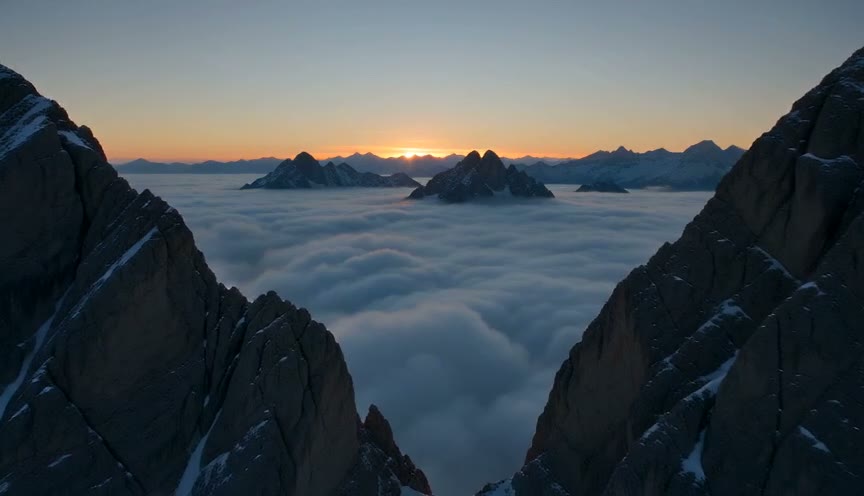
Plan prompts for free, without signing in. Review the quote in the studio before generating images or video.
Use a wide establishing shot with a slow, steady forward drift. Separate foreground, middle ground and distance, keep a level horizon and use only natural environmental motion.
Frame the setting’s central forms in a medium shot. Track gently past a foreground element, retaining the time, weather and color temperature of the wide shot. Avoid sudden zooms or scene changes.
Capture one environmental detail in close-up with shallow depth of field and a locked camera. Let small changes in wind, water or light carry the mood, without introducing a new subject or text.