01 · Studio hero
Photograph a single product concept at a three-quarter angle with a large soft key light, realistic contact shadow and clean background. Show the full silhouette; add no text, logos or extra packaging.
 ClipmivoAI
IMAGE / FREE CREATIVE PLANNER
Explore studio, lifestyle and material-detail directions for a product with ready-to-edit image prompts.
For brand visual planning, ecommerce content and launch pitches.
Start your plan ↓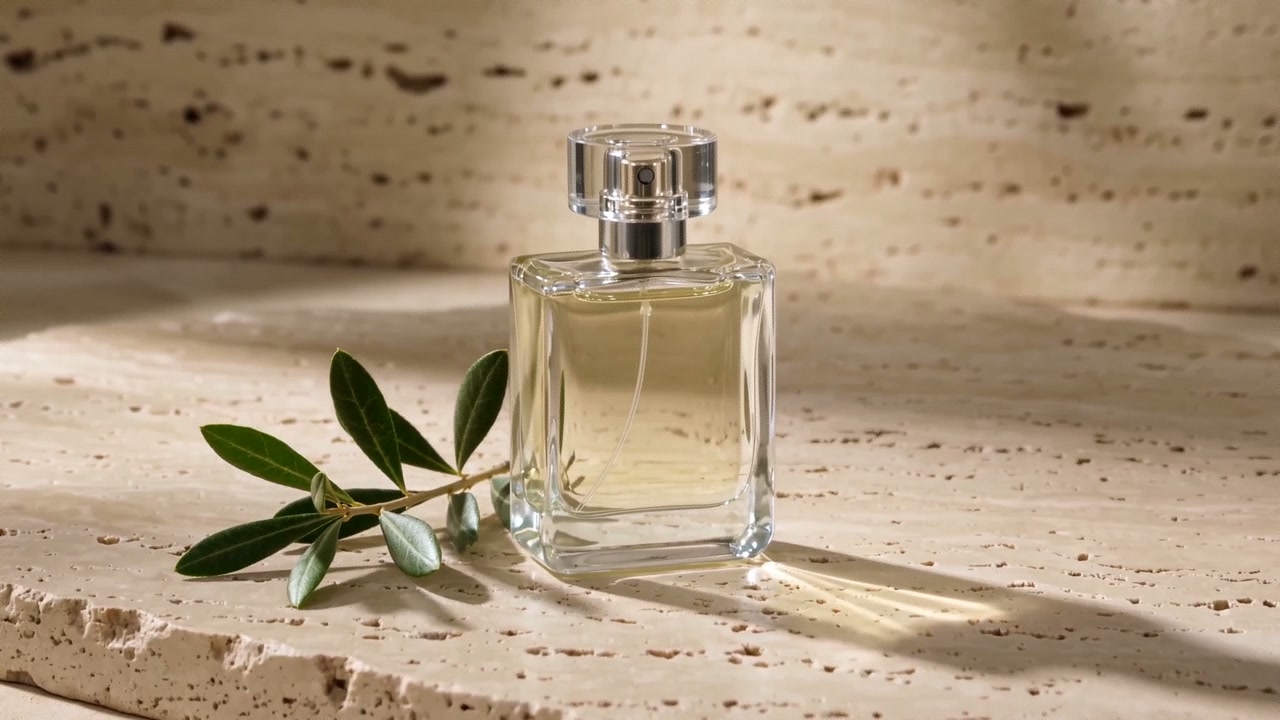
Plan prompts for free, without signing in. Review the quote in the studio before generating images or video.
Photograph a single product concept at a three-quarter angle with a large soft key light, realistic contact shadow and clean background. Show the full silhouette; add no text, logos or extra packaging.
Place the product in a natural setting suited to its use, with restrained props, natural light and realistic materials. Keep it the sole visual focus and add no testimonial or feature text.
Study the material and surface finish in a close composition with shallow depth of field and delicate highlights. Retain the described structure without inventing accessories or functions.